Better than ever
GstarCAD 2027 focuses on elevating the user experience by significantly optimizing performance for routine transformations—such as Move, Mirror, Rotate, and Copy—within complex 3D drawings. The update introduces several practical features, including Dynamic Block Parametric Constraints and Automatic Input Method Switching, designed to eliminate repetitive, low-efficiency tasks and unlock vast design potential. With a reconstructed command line, improved batch printing, and optimized hatch functions, the software aligns more closely with real-world business scenarios.
This allows designers to break free from tedious, repetitive, and error-prone base-level operations, enabling them to focus their mind and time on creative design and engineering expression.
 software")
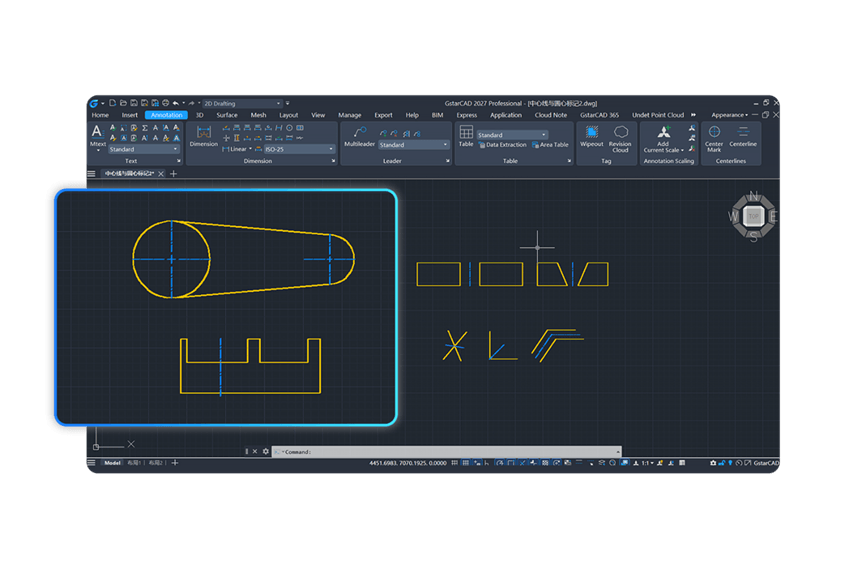
- Centerlines and Center Marks
- Easily define geometric features by creating centerlines between selected lines/polylines or placing center marks at the centers of circles, arcs, or polygons. These are essential for clear engineering communication.
 software")
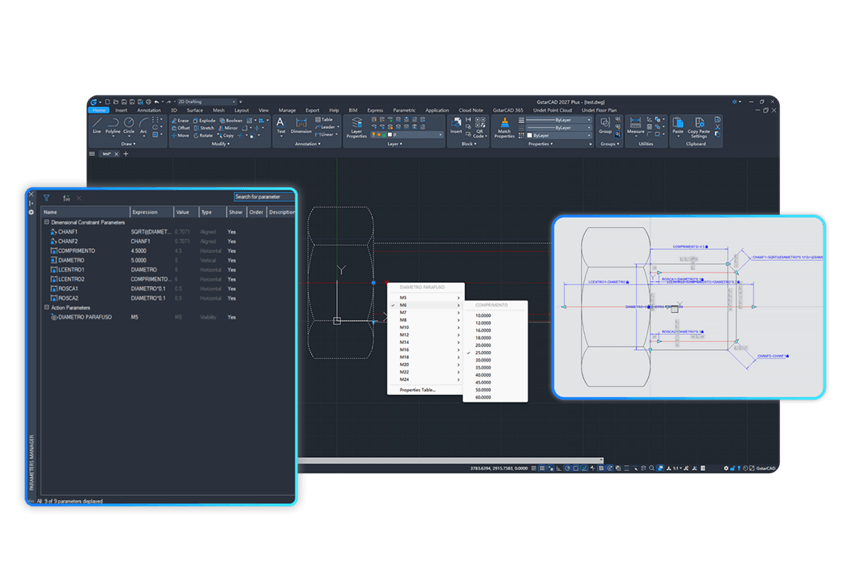
- Dynamic Block Parametric Constraints
- Achieving a breakthrough in parametric and dimension-driven technology, this new feature enables precise linkage between geometry size and position. It significantly enhances design efficiency and accuracy, supporting enterprise-standard drafting and rapid iterations.
 software")
- Floating Drawing Windows
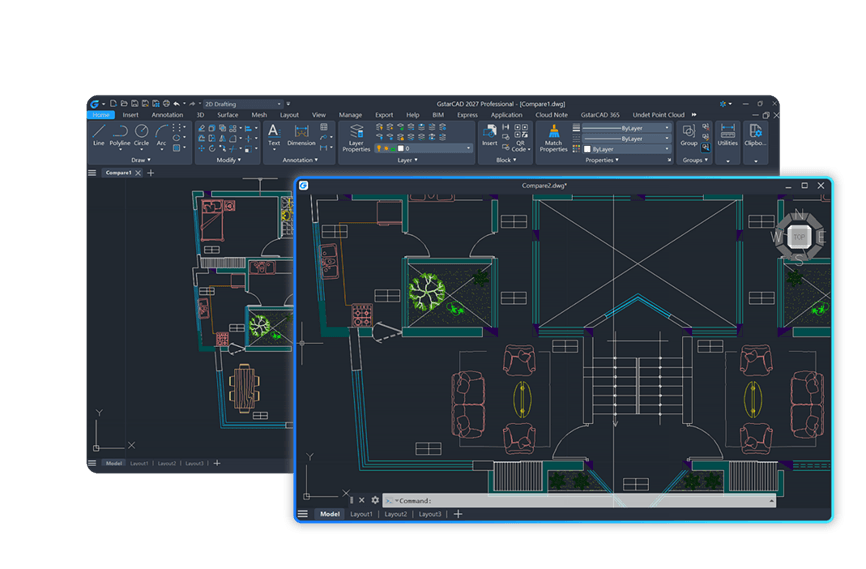
- GstarCAD 2027 now supports multiple top-level windows. You can drag a drawing tab out of the main window to create a floating window, enabling side-by-side comparisons and easy data transfer without tab switching.
Show more new features